

How-to
URL inspect
URL inspect
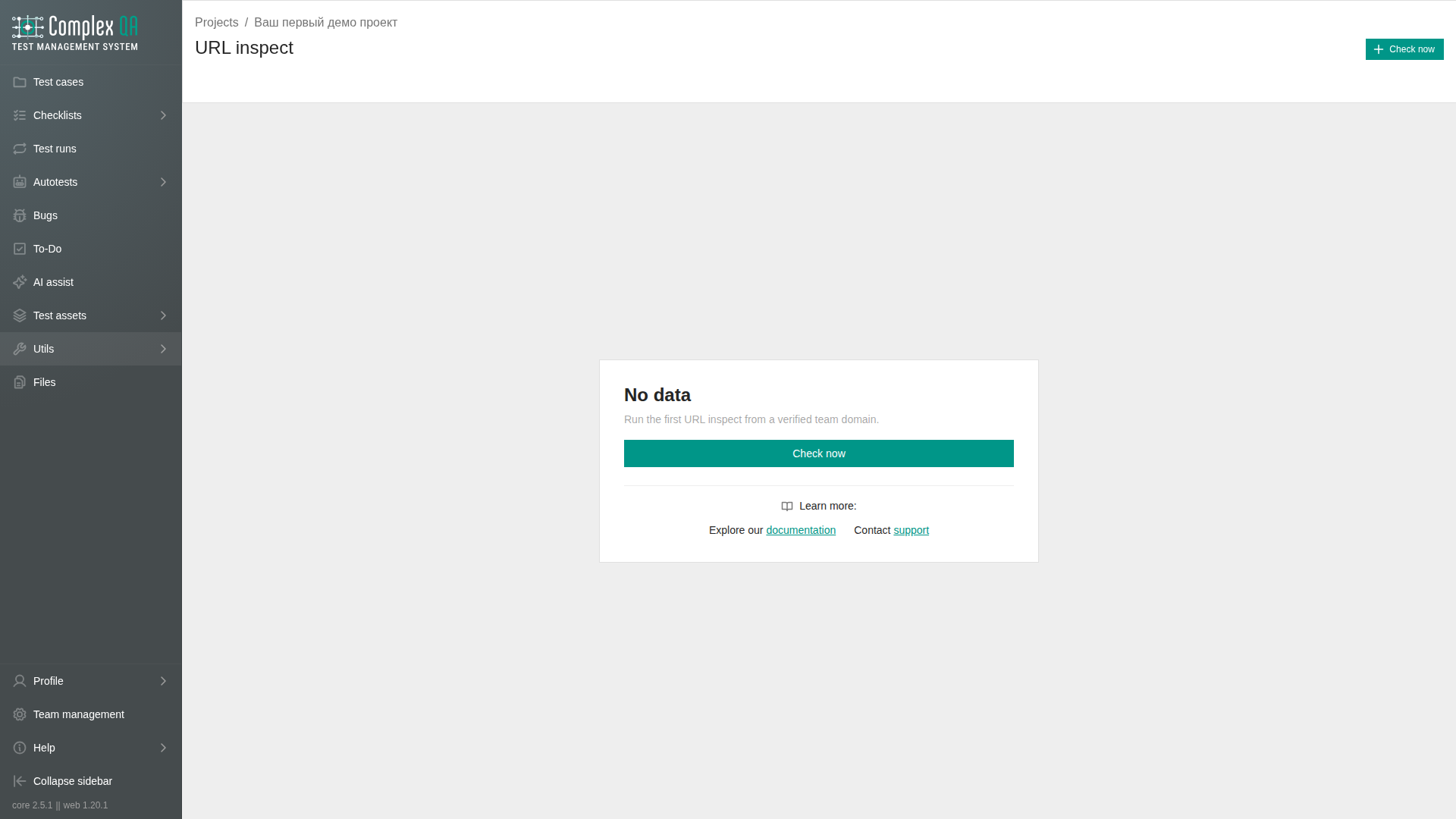
URL inspect checks one page of a verified team domain from ComplexQA servers. It tests domain name resolution, network ports, transport security, HTTP responses, security headers, and the page in a browser.
It is a project util, separate from Screenshot Multi. The domain itself is registered on the team.
Prerequisites
- A team administrator adds and verifies the host in the team domain settings.
- Open a project.
- Open Utils > URL inspect.
Without a verified domain the create form tells you to add one first.
Starting a check
- Select Check now on the project listing.
- Select the verified Team domain.
- Optional: enter a Path. An empty value checks
/. - Optional: paste a full URL whose host matches the selected domain. ComplexQA keeps its path and query and drops the fragment.
- Submit the check.
The check appears in the listing. If the project already has a check for the same domain and path, ComplexQA opens it instead of creating a duplicate.
Statuses
| Status | Meaning |
|---|---|
CREATED | The check is stored but not queued |
QUEUED | The runner accepted the check |
RUNNING | Checks are in progress |
COMPLETED | All checks finished successfully |
PARTIAL | Some checks succeeded and some failed |
FAILED | The suite failed |
SUBMIT_FAILED | ComplexQA could not hand the suite to the runner |
Use Refresh on details to update the status. The page does not refresh automatically.
Listing
The listing shows Host, Path, Suite status, Project, and Created at. The same checks appear on the domain details page under URL inspect.
Details
| Tab | Contents |
|---|---|
| Details | Host, path, suite status, each check result, browser console, and mixed content |
| Browser | HTTP archive download, viewport results, and screenshots |
The results cover:
- Domain name resolution.
- Network access on ports 80 and 443.
- Certificate and transport security handshake.
- HTTP and HTTPS responses for the selected path.
- Security headers from the HTTPS response.
- A browser pass for the selected path.
Host-level checks use the domain. HTTP, HTTPS, and browser checks also use the path.
Browser results
| Viewport | Size |
|---|---|
| Desktop | 1920 x 1080 |
| Laptop | 1366 x 768 |
| Smartphone | iPhone 14 |
The desktop pass provides the HTTP archive, console, and mixed-content results. Screenshots are files in team storage and use expiring preview links.
Limits
- URL inspect counts toward the team's monthly limit for this action.
- The team page shows current usage and the plan limit under Total usage.
- When the monthly limit is reached, ComplexQA rejects new checks until the next calendar month.
- Opening an existing check for the same project, domain, and path does not consume another count.
Did this page help?