

Element reference
Projects
Projects
A project belongs to a team and holds suites, test cases, checklists, test runs, bugs, autotests, and related assets.
Relations
Rules
- In the team workspace, open Projects.
- Create a project with a Name and optional Description.
- Leave Status as
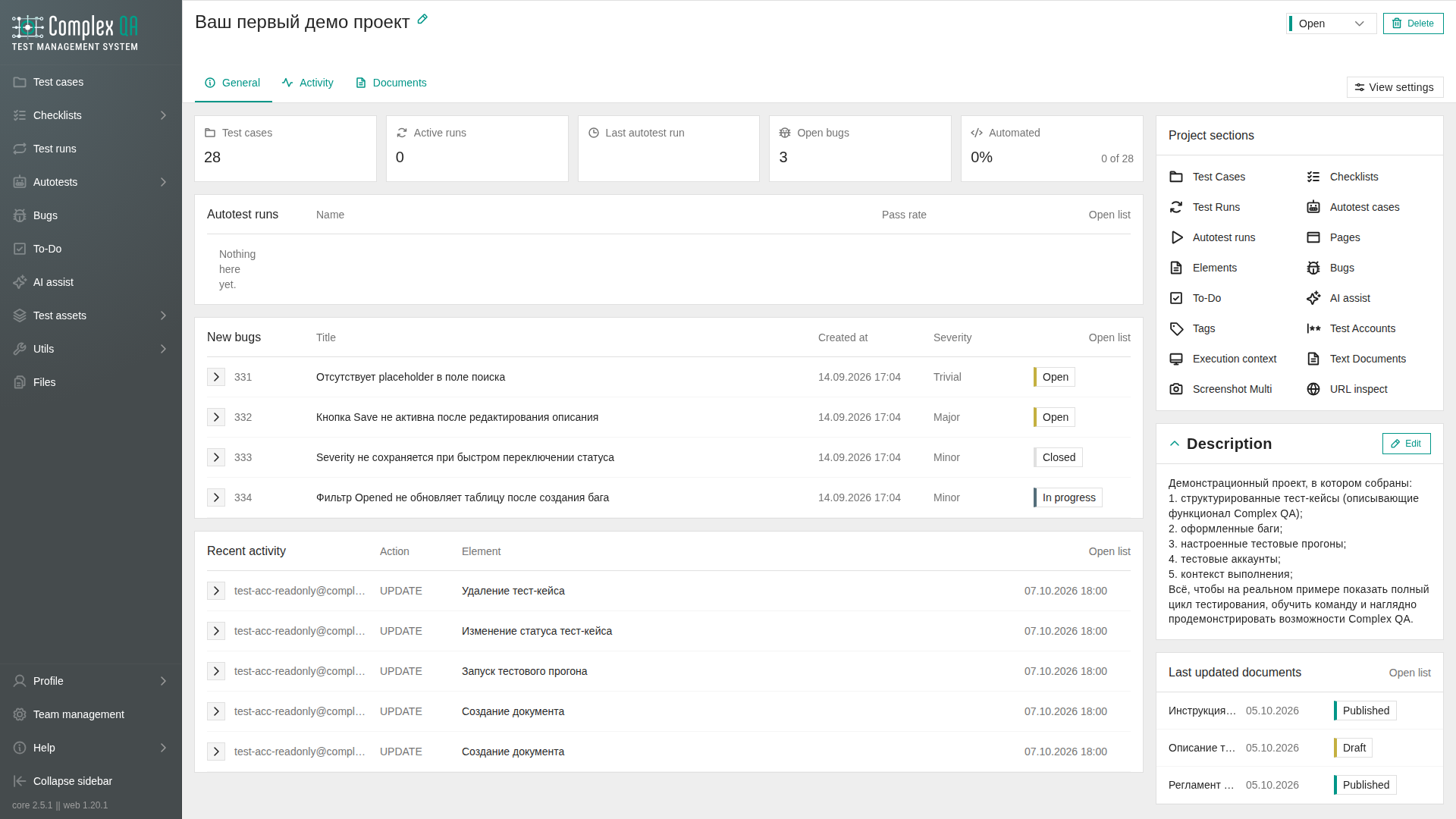
OPENfor active work, or setCLOSEDwhen the project is finished. - Open the project. The project list is one list with status, search, and view settings. The card opens on General: summary cards, recent lists, and project sections. There is no overview sidebar on the card.
See also Project activity.
Did this page help?