

Test runs
Test runs
A test run is a manual execution cycle for selected test cases in a project. Each selected case gets a test run result row that holds the outcome of that check in this cycle.
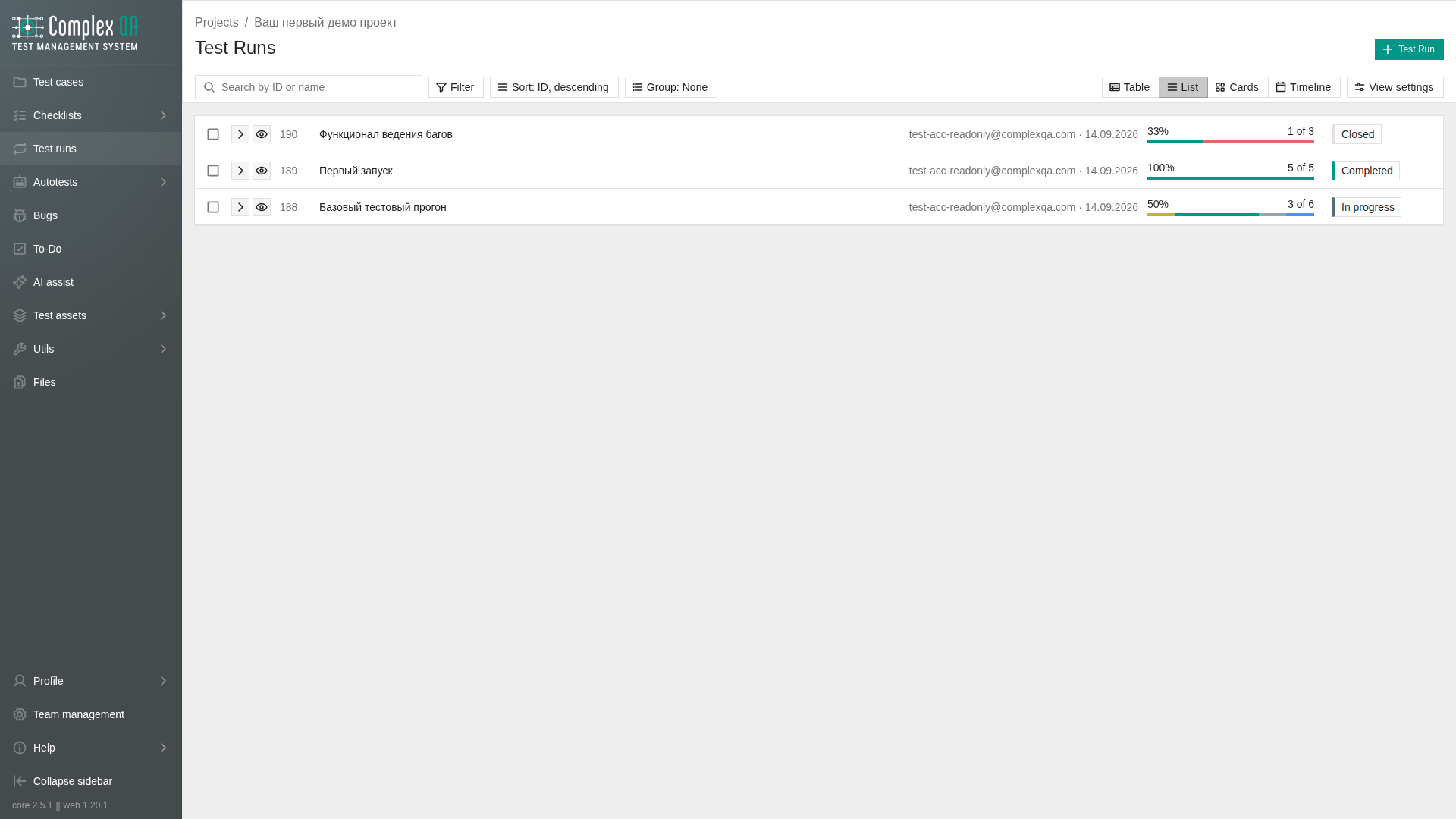
Use this section when you plan a cycle, add cases after create, record outcomes, and finish the run. Automated checks and their runs live under Autotests. Defects found during execution live under Bugs.
Boundaries
- A test run belongs to one project. Cases come from that project catalog only.
- Adding a case creates a test run result. It does not copy or move the test case.
- Deleting a source test case later removes its results from all test runs. The test runs stay.
- Assigned runs and results with status
PENDINGorIN_PROGRESSalso appear under Tasks.
In this section
| Page | Purpose |
|---|---|
| Test run | Element reference: fields, statuses, relations, the run page |
| Test run listing views | Table, list, cards, and timeline |
| Test run result | Element reference: result statuses and notes |
| Test run creation | How to start a cycle and select cases |
| Adding test cases to a test run | How to add cases after create |
| Test run execution | How to record outcomes and finish the run |
What to read next
- Start a cycle: Test run creation.
- Add more cases if needed: Adding test cases to a test run.
- Record outcomes: Test run execution.
Did this page help?