

Element reference
Page
Page
A page in the object repository is a named path used by navigation steps. It lets multiple autotests reuse one project path instead of storing the path inline in every step.
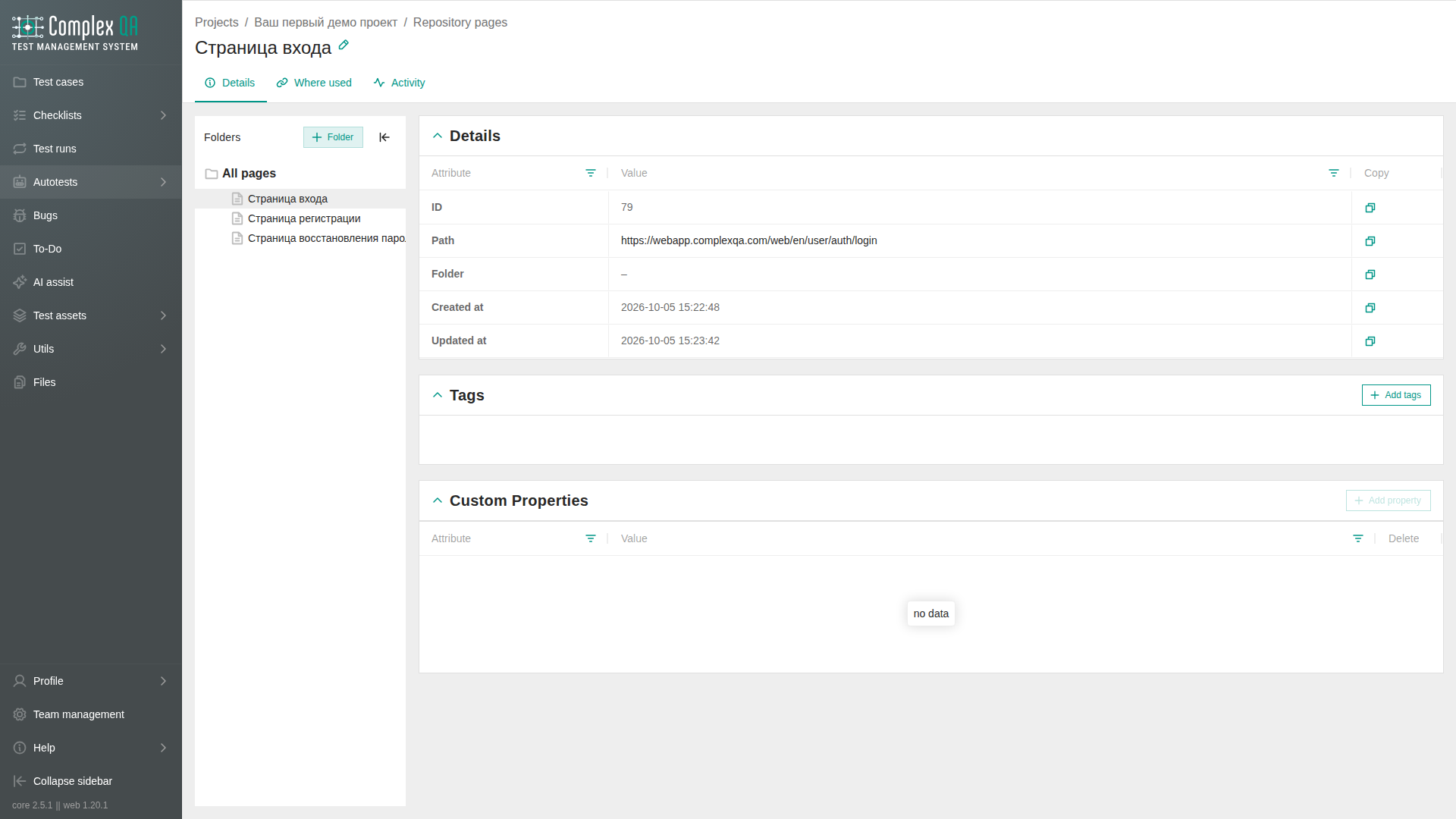
Relations
| Related element | How it connects |
|---|---|
| Project | Required owner |
| Folder | Organizes pages in the PAGE catalog |
| Autotest step | Optional catalog Target for a path action |
| Element | Locator that belongs to a screen in the same project repository |
| Tag | Optional labels on the card and in the listing |
Fields
| Label | Content | Rule |
|---|---|---|
| Name | Human-readable page name | Use a name that distinguishes the screen in the project |
| Path | Relative path or full URL accepted by goto | A relative path starts from the starting domain of the run, not from the current tab host. <<name>> is replaced from the run parameter of that name |
Rules
- Pages and elements use separate catalogs. A folder has kind
PAGEorELEMENTand cannot mix both. - Create folders in the Pages tree. A page may sit in a folder or have no folder.
- At the tree root the section lists all pages in the project. Open a folder to list only pages in that folder. Table and List show the same rows.
- Drag a page from the table onto a folder in the tree to move it, including onto an empty folder. After the drop the page stays visible inside that folder.
- The stored path follows the same rules as the Value of
goto. - A relative path starts from the team domain and protocol selected for the autotest run (the starting domain), even if a previous
COMMONstep already opened a subdomain. - Use a full URL when the target screen lives on a different host than the starting domain (a team subdomain when the run starts on the root). The host must be covered by a verified team domain.
- When an autotest step selects a catalog page, the worker resolves it to the stored path at run time.
- A page cannot use the
TEST_ACCOUNTvalue source on the same step. - On Table, checked rows show selected table rows.
- On the Where used tab, the Autotest case column shows the autotest name. When the name is empty, the identifier is shown. Go to opens that autotest.
Limits
- The page stores navigation data. It does not store element locators.
localhostand similar reserved hosts are not accepted as starting domains.- Navigation to another host requires a matching verified team domain.
Did this page help?