

How-to
Test run execution
Test run execution
Test run execution records outcomes for test cases in a test run and finishes the run.
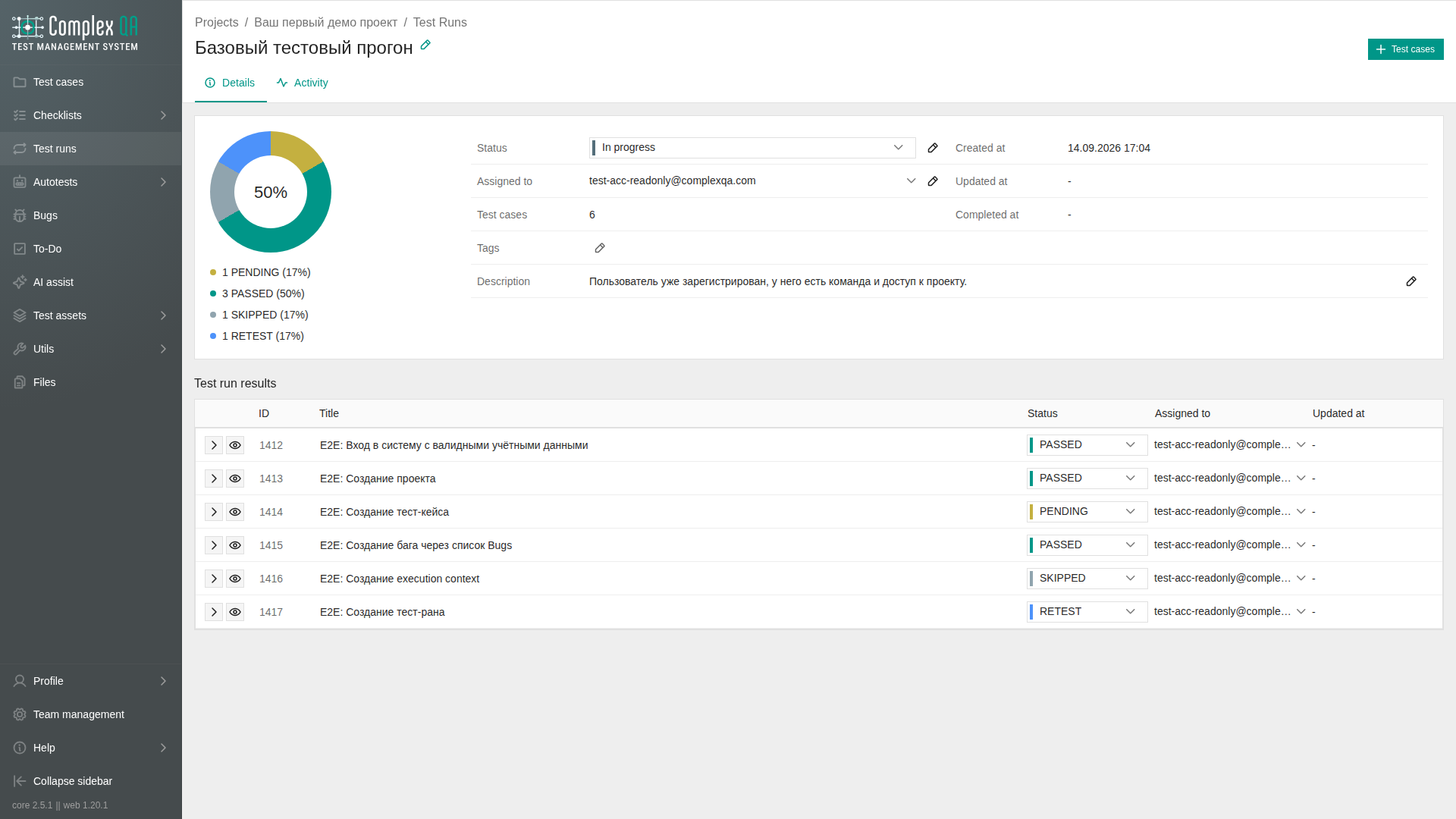
Role: a team member with write access to the project.
Before you start
- The test run already exists and contains the cases you need. See Test run creation and Adding test cases to a test run.
- Items assigned to you also appear under Tasks.
Steps
- Open the test run.
- Optional: set the run status to
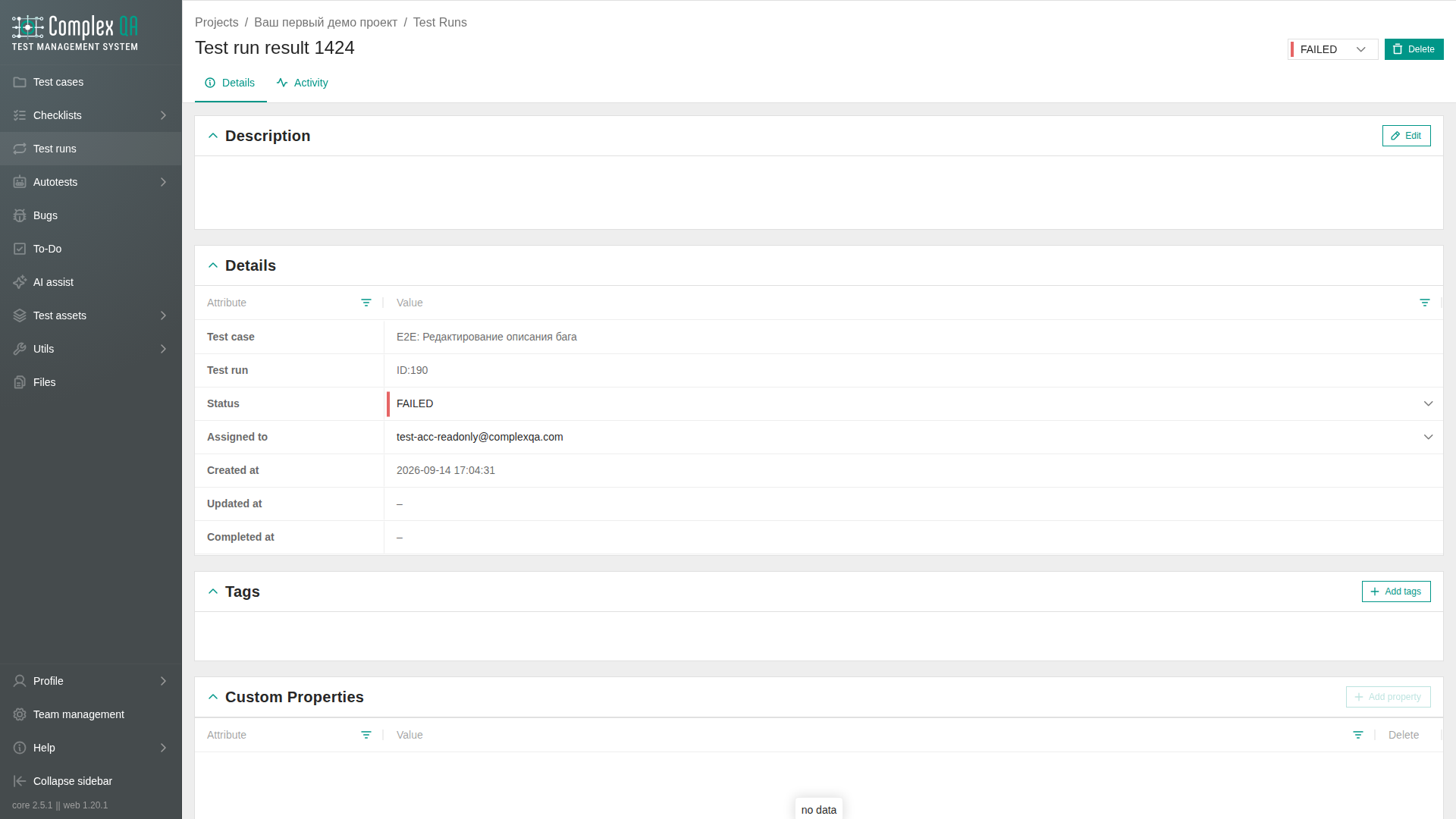
IN_PROGRESSin the field block. The change is saved immediately. - In the results list, set each result status. You can open a preview without leaving the run, or open the result page.
- Walk the linked test case and its steps.
- Set the result status to
PASSED,FAILED,SKIPPED,BLOCKED, orRETEST. - Optional: write Notes on the result.
- Optional: link or create a bug from a failed result.
- When work is done, set the test run status to
COMPLETEDorCLOSED.
After you finish
- File defects that need tracking: Bug creation.
- Review fields and statuses on Test run result.
Did this page help?