

How-to
Test case creation
Test case creation
Test case creation adds a manual check to the project catalog - in a test suite or at the catalog root - before you put it into a test run.
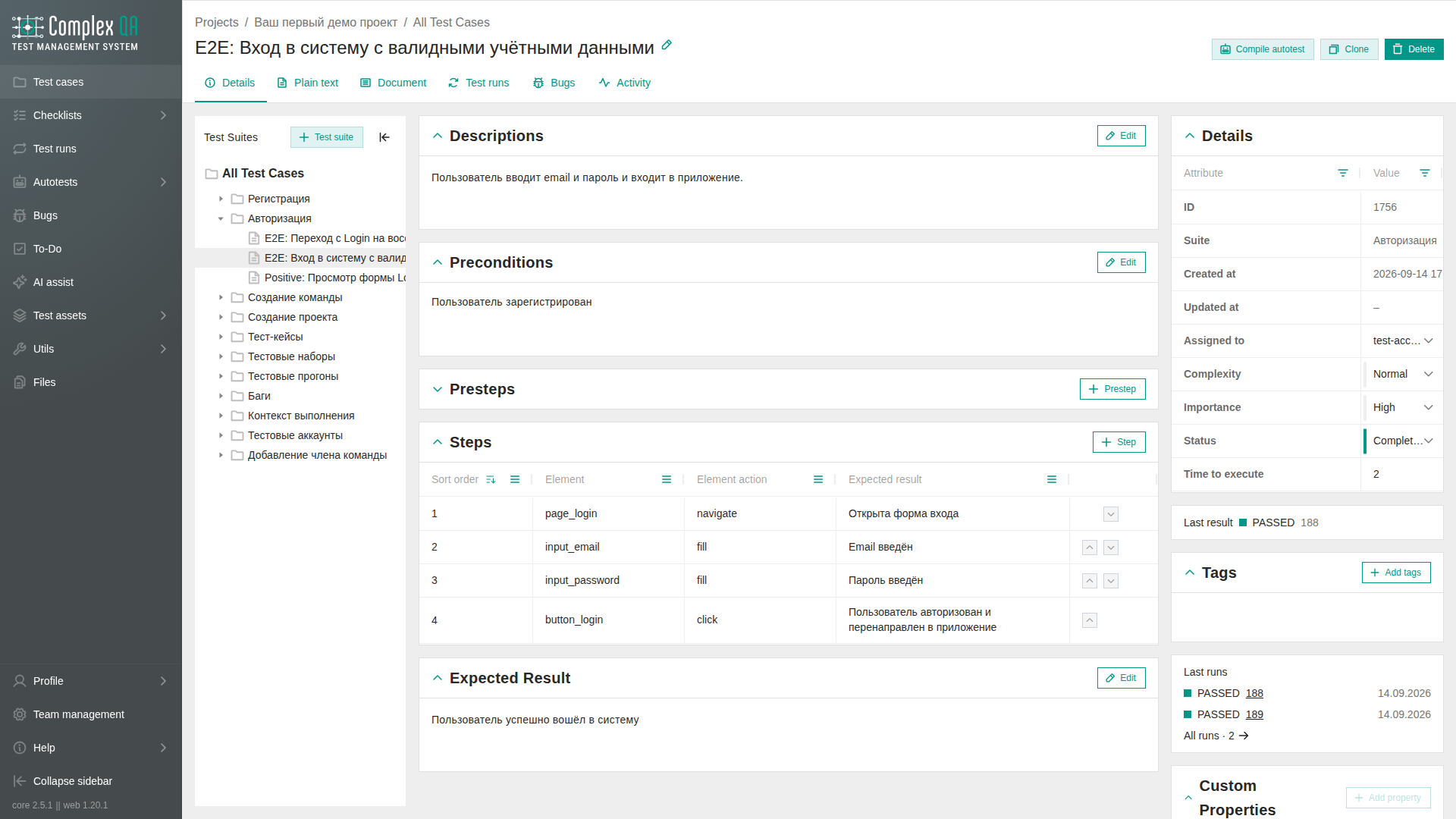
Role: a team member with write access to the project. A read-only member cannot create cases.
Steps
- Open Test cases in the project.
- Optional: select the target test suite in the tree.
- Click Create (or the equivalent add action in the listing).
- Enter the Title.
- Optional: fill Description, Preconditions, Expected result, status, complexity, and importance.
- Optional: add test case steps on the case details page.
- Save.
The case appears in the suite you selected, or at the root if you did not select a suite. You can open it later for tags, custom properties, or bug links.
Alternative paths
- Clone case from an existing row creates a copy with the same steps.
- Import many cases at once: Test case import.
- Generate a draft from a task description: Test case generation.
- Prepare a suite first: Test suite creation.
Did this page help?