

Element reference
Bug
Bug
A bug is a defect record inside a project. It belongs to a team and a project.
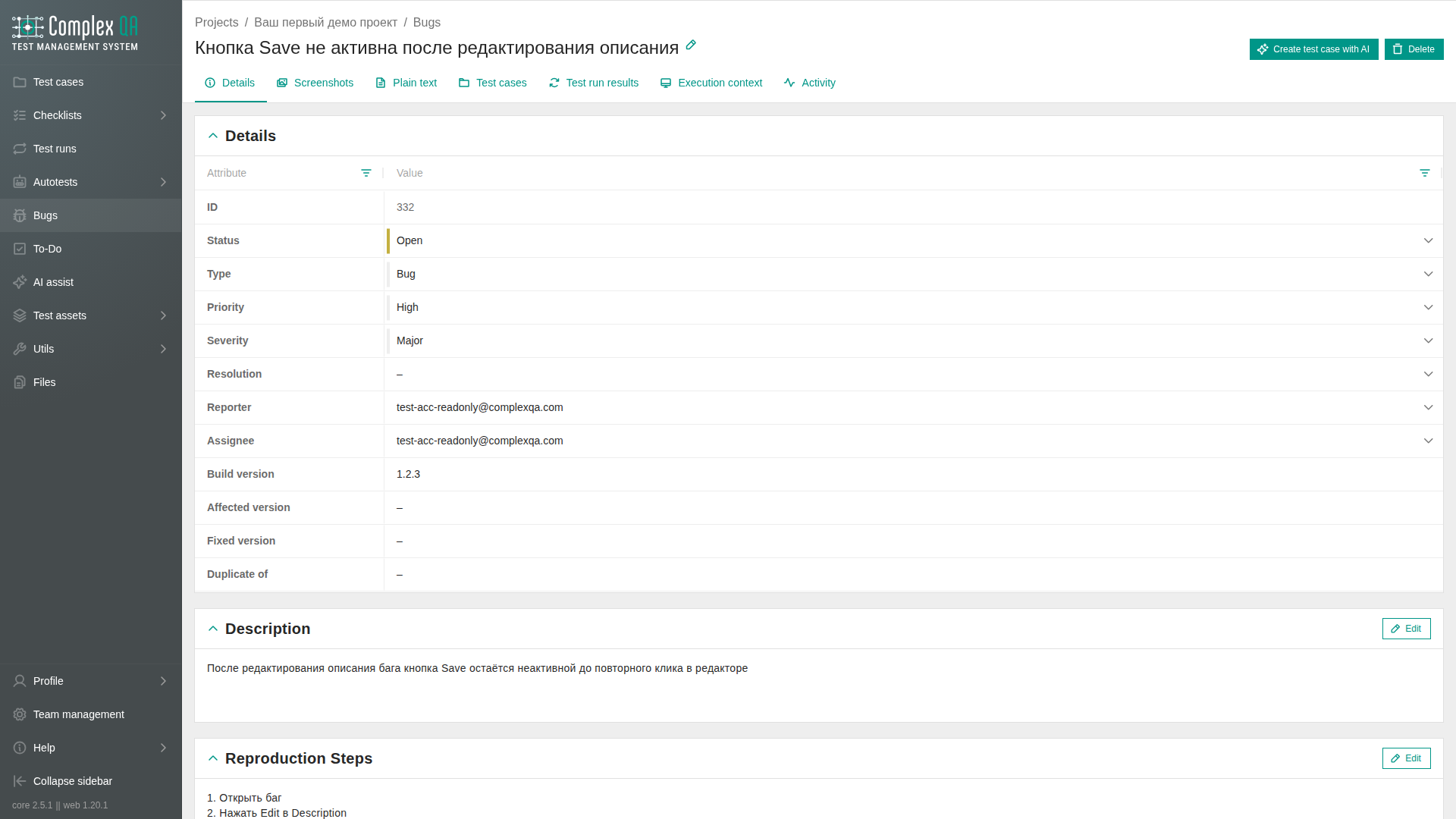
Details tab views
The Details tab shows the same fields in three views. The switch sits to the right of the tabs. On a narrow screen it moves below the tabs. The last choice is remembered in this browser.
If no view has been chosen yet, Form opens.
| View | What you see |
|---|---|
| Form | Description, reproduction steps, expected result, and actual result on the left. Attributes, tags, and custom properties on the right |
| Table | An attribute table and separate text blocks |
| Document | A sheet: status, priority, severity, and assignee at the top, text below |
The Plain text tab stays separate. It is not the Document view.
Relations
| Related element | How it connects |
|---|---|
| Project | Required owner |
| Test case | Optional link on the Test cases tab |
| Test run result | Optional link on the Test run results tab |
| Execution context | Optional link on the Execution context tab |
| Custom properties | Team-defined slots on the Table and Form views of the Details tab |
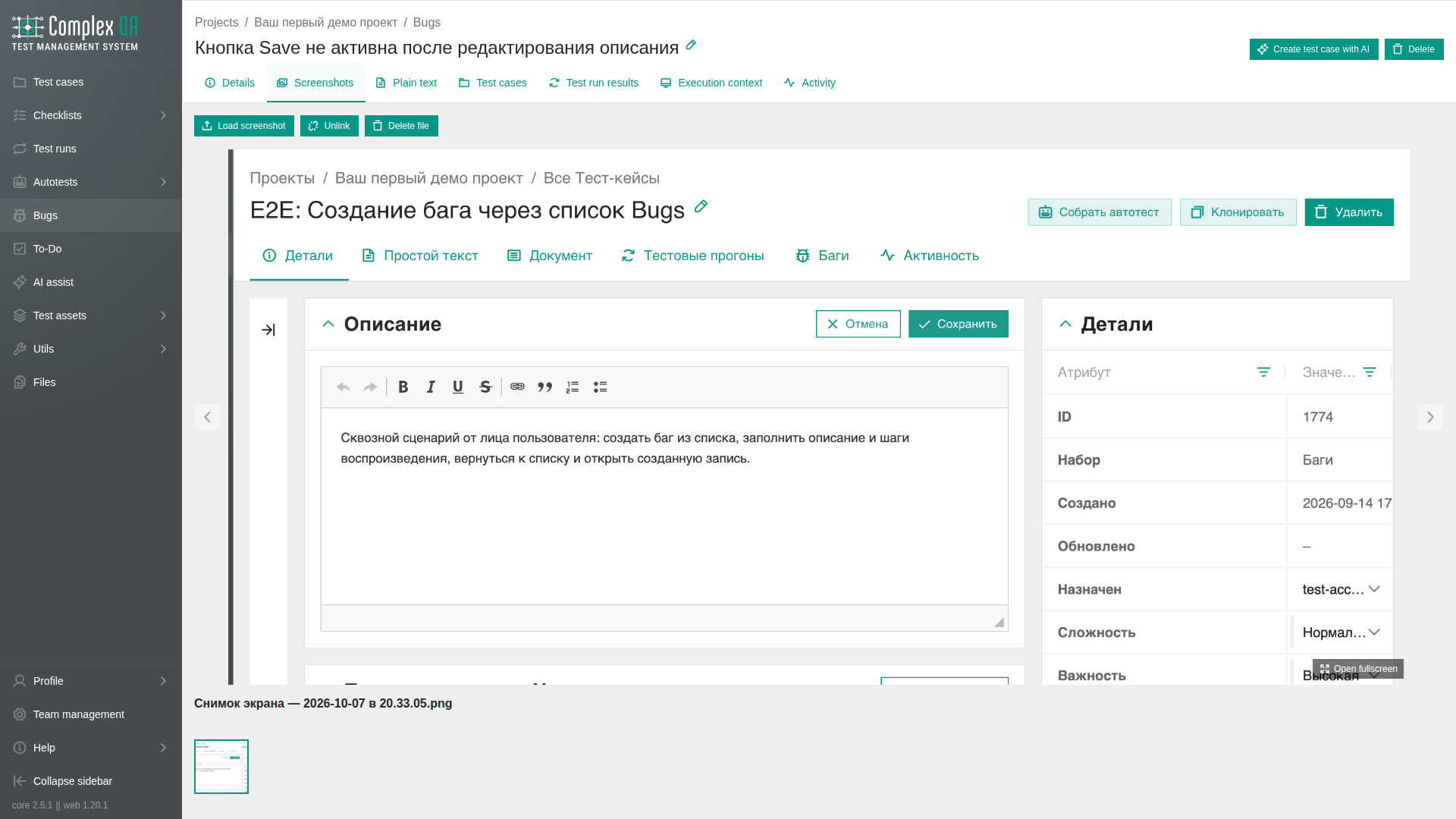
| Screenshots | Image attachments on the Screenshots tab, and on the Form and Document views |
Fields
| Label | Technical name | Purpose |
|---|---|---|
| Title | bug_title | Identifies the bug |
| Status | bug_status | Current workflow stage |
| Type | bug_type | Classification of the bug |
| Priority | bug_priority | Position in the fix queue |
| Severity | bug_severity | Product and user impact |
| Resolution | bug_resolution | Outcome when work is closed |
| Reporter | reporter_id | Team member who reported the bug |
| Assignee | assigned_to | Team member responsible for the bug |
| Build version | bug_build_version | Build where the bug was found |
| Affected version | bug_affected_version | Affected product version |
| Fixed version | bug_fixed_version | Product version containing the fix |
| Duplicate of | duplicate_of_id | Identifier of another bug |
| Description | - | Rich-text description |
| Reproduction steps | - | Rich-text steps that reproduce the bug |
| Expected result | - | Expected behavior |
| Actual result | - | Observed behavior |
Enumerations
Type (bug_type)
BUG, REGRESSION, PERFORMANCE, SECURITY, USABILITY, COMPATIBILITY, DOCUMENTATION, OTHER.
Status (bug_status)
OPEN, TRIAGE, IN_PROGRESS, ON_HOLD, RESOLVED, CLOSED, REOPENED.
Resolution (bug_resolution)
FIXED, WONT_FIX, DUPLICATE, CANNOT_REPRODUCE, WORKS_AS_DESIGNED, DEFERRED, NOT_A_BUG.
Priority (bug_priority)
CRITICAL, HIGH, NORMAL, LOW.
Severity (bug_severity)
BLOCKER, CRITICAL, MAJOR, MINOR, TRIVIAL.
Status records the workflow stage. Resolution records the outcome when the bug is closed.
Rules
- The Opened tab lists unresolved bugs: statuses
OPEN,TRIAGE,IN_PROGRESS,ON_HOLD,REOPENED. StatusesRESOLVEDandCLOSEDare excluded. - The All tab lists every bug in the project. Both tab counts come from the project summary, not from the rows already loaded on the active tab.
- Listing views, header counts, and preview: Bug listing views.
- Clone bug copies attributes and screenshot links (same files, no byte duplication).
- Unlink on a screenshot removes the link from this bug; the file stays in team storage.
- Delete file removes the file from team storage and all links to it, with confirmation.
- Delete bug removes links; files are not deleted from storage automatically.
- Custom property slots come from the team catalog. Empty slots stay visible.
Limits
- Screenshot upload accepts PNG, JPEG, WebP, or GIF from disk. Picking an already uploaded team file without re-upload is not available yet.
- Files count toward the team's shared file storage quota.
Did this page help?