

Element reference
Test case step
Test case step
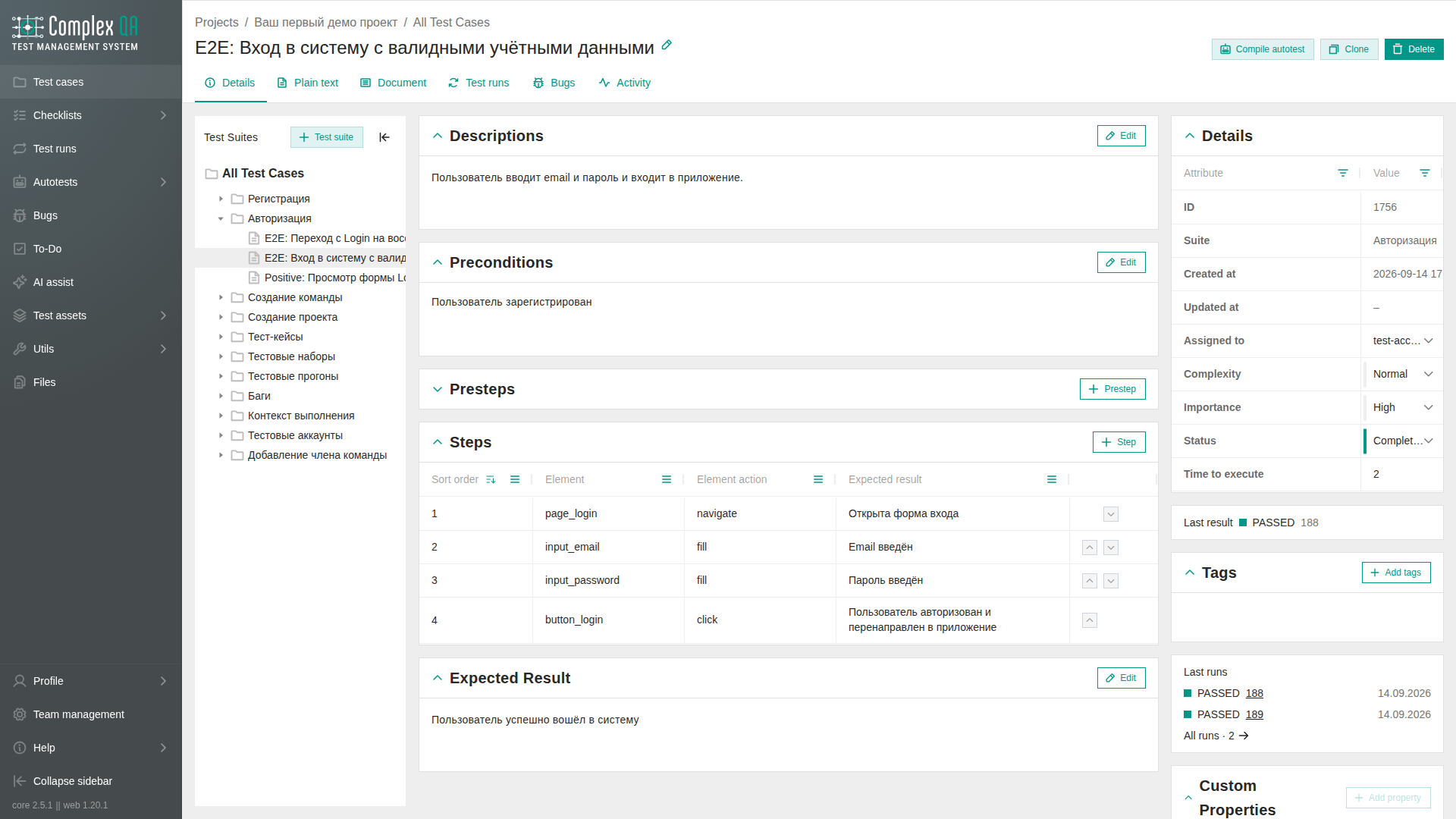
A step is one action inside a test case. Steps are ordered by sort_order.
Relations
| Related element | How it connects |
|---|---|
| Test case | Required parent |
Fields
| Label | Technical name | Type | Required | Validation | Default |
|---|---|---|---|---|---|
| Step text | step_text | HTML | No | Max 5000 characters of the stored text | - |
| Element | step_element | string | No | Max 900 characters of the stored text | - |
| Element action | step_element_action | HTML | No | Max 900 characters of the stored text | - |
| Expected result | step_expected_result | HTML | No | Max 900 characters of the stored text | - |
Enumerations
Step type
| Value | Meaning |
|---|---|
TEST_CASE_PRESTEP | Preconditions shown as pre-steps |
TEST_CASE_STEP | Main test steps |
Rules
- Element stores characters as typed. HTML tags in it are removed before the length check. Step text, element action, and expected result accept the tags
b,i,p,a,strong,ul,ol, andli. - Reorder steps with increase / decrease sort order actions in the product and in the API.
- Configuration values such as
id,css,click, andload_pageare metadata for targeting. They do not run automation by themselves. - Optional step text fields can be cleared after they already had text. Saving an empty value leaves the field empty.
Limits
- An autotest step is a different element type. Playwright action names belong there, not on a test case step.
Did this page help?