

Autotests
Autotests
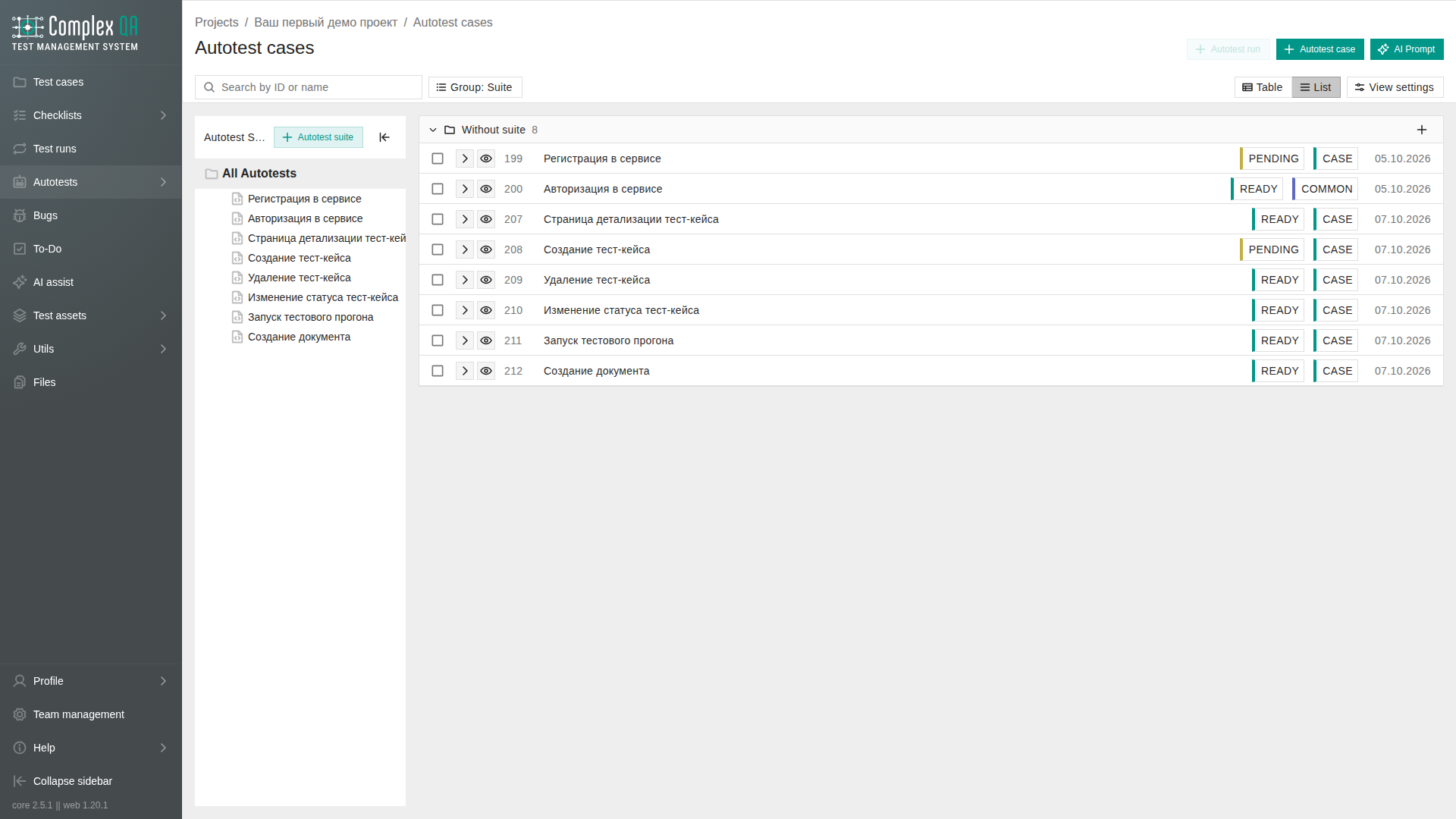
Autotests are Playwright steps stored in ComplexQA. You write or import autotests in a project, start an autotest run, and a worker opens the site in a browser on a verified team domain.
ComplexQA does not host or run a language model. Import from the AI assistant uses your own model, then creates autotests or test cases from checked JSON.
Use this section for automated checks. Manual cycles live under Test runs. Shared locators live under Object repository.
Boundaries
- Only autotests of kind
CASEwith statusREADYenter an autotest run queue. KindCOMMONruns only as an explicit predecessor of aCASE. - The starting domain must be a verified team domain. Navigation during the run is limited to verified hosts of the team (a verified root covers its subdomains).
- Bind a test account on a
CASEwhen steps need login or password fromTEST_ACCOUNT. KindCOMMONhas no account of its own. - An execution context snapshot is required when you create an autotest run.
In this section
| Page | Purpose |
|---|---|
| Autotest | Element reference: fields, kinds, statuses, relations |
| Autotest step | Element reference: step model, rules, catalog of 41 actions |
| Autotest creation | How to add an autotest in the project |
| Creating an autotest from a test case | Compile an autotest from a test case card |
| Autotest step authoring | How to add a step, Target, Value, and check syntax |
| Binding a Target from the object repository | Page, element, or locator as Target |
| Test account values in steps | INLINE and TEST_ACCOUNT for Value |
| Autotest generation from a page | How to draft steps from an object-repository page |
| Playwright actions | Per-action how-tos: /en/autotests/actions/{action_name} (for example fill, click) |
| Writing stable autotests | Recommendation: locators, waits, READY |
| When to use COMMON and CASE | Recommendation: setup vs scenario |
| How to author autotest steps without false failures | Recommendation: import, URL, Target, host after COMMON |
| Structuring the object repository for autotests | Recommendation: pages and elements for steps |
| Autotest runs | Runs, results, and how to start a run |
| Object repository | Pages and elements that steps reuse |
What to read next
- Create a
CASEand set it toREADY: Autotest creation or from a test case. - Build steps: Autotest step authoring.
- Optional draft from a page: Autotest generation from a page.
- Check typical false failures: How to author autotest steps without false failures.
- Start a worker run: Autotest run creation.
Did this page help?