

How-to
Registration and sign-in
Registration and sign-in
Registration and sign-in cover creating a ComplexQA account and opening the main app domain or a team workspace subdomain ({team-slug}.webapp.complexqa.com).
App: webapp.complexqa.com
Registration
- Open webapp.complexqa.com.
- Click Register.
- Enter Name, Email, and Password (minimum 8 characters).
- Submit.
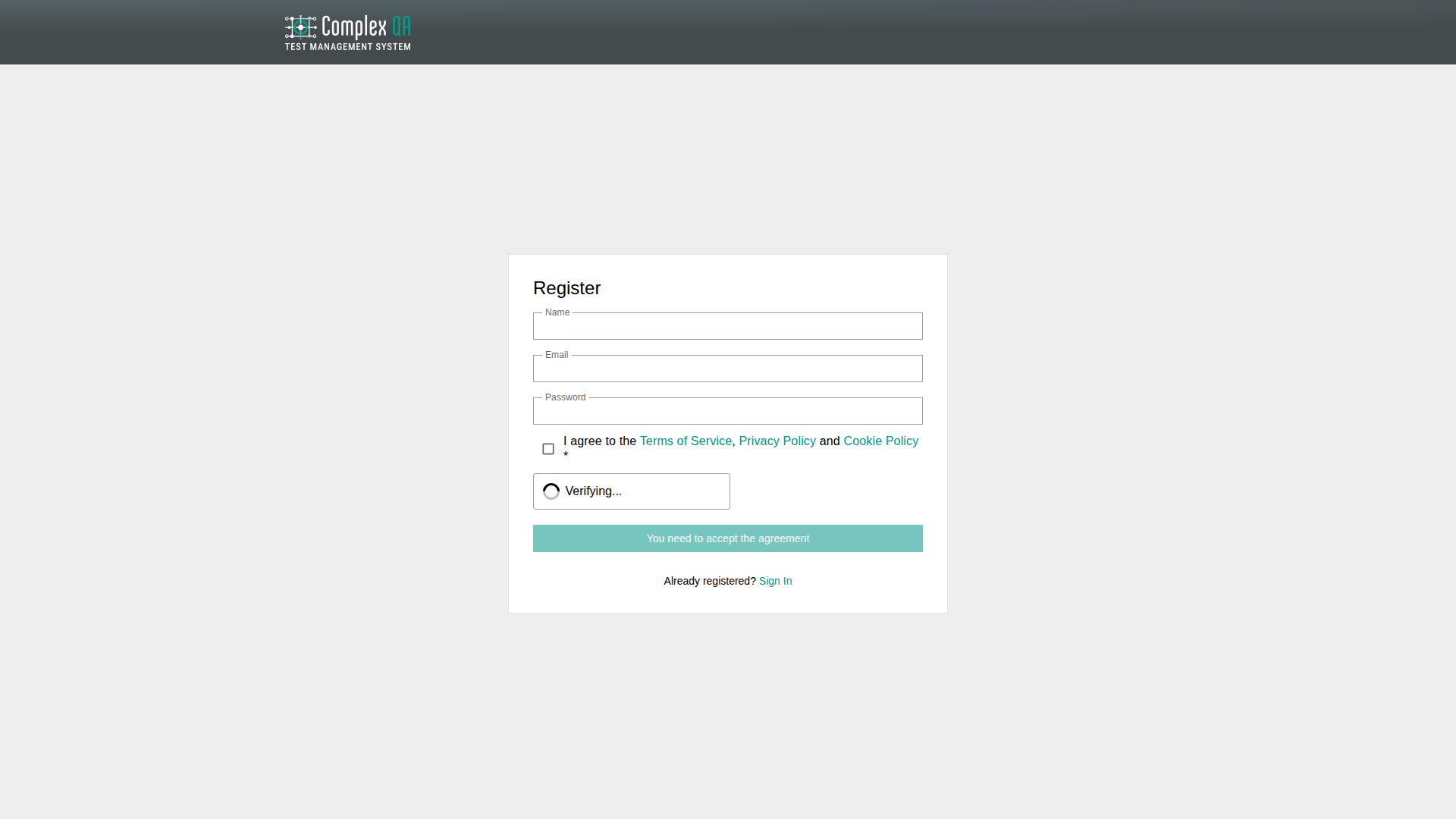
The account is created and activated. You are signed in and redirected to the application home. There is no separate email-activation step in the default flow. An activation link flow exists only for special cases.
Sign-in
- Open the Login page.
- Enter Email and Password.
- Optional: enable Remember Me.
- Click Login.
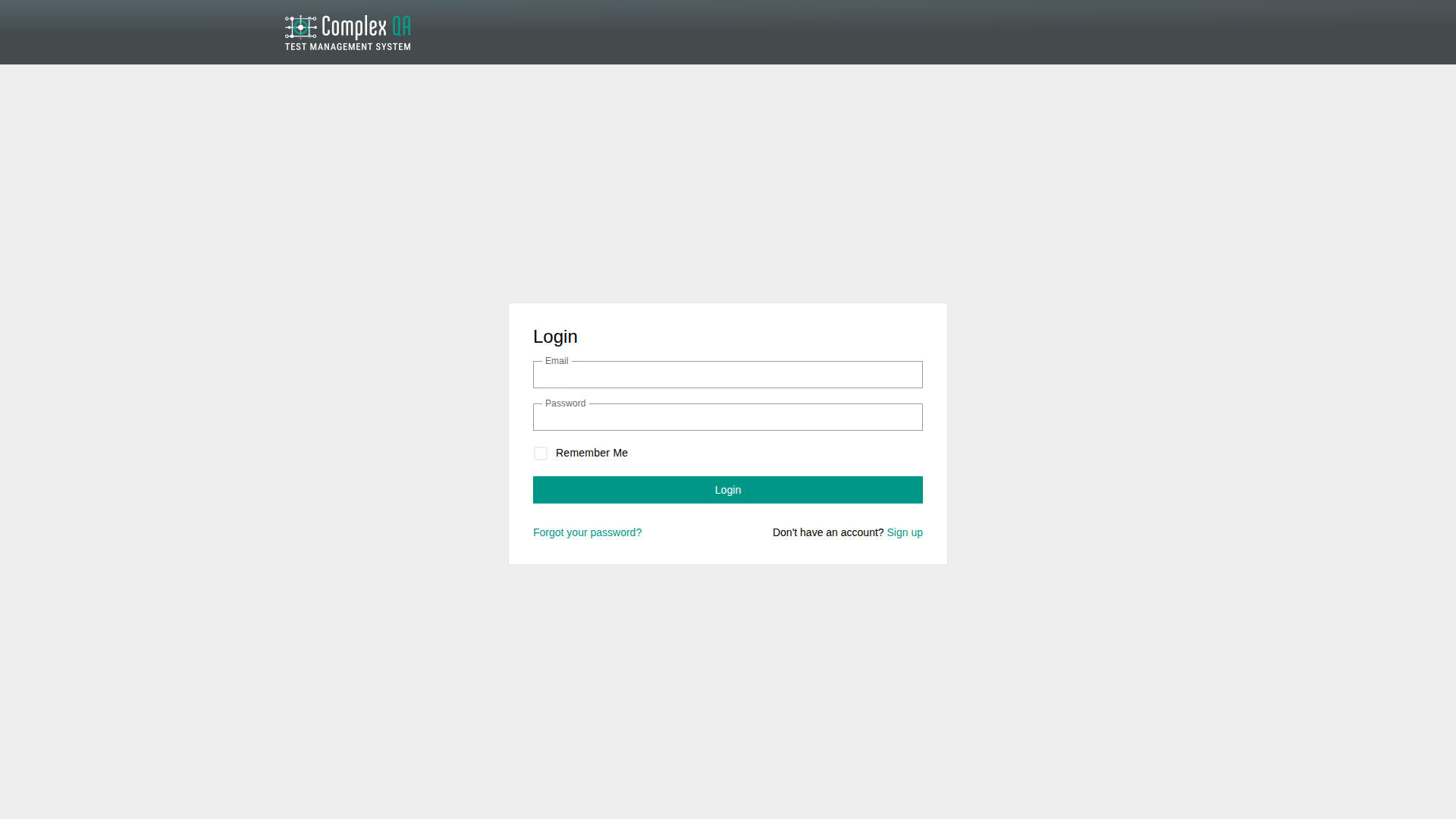
Wrong email or password shows an error. A blocked account cannot sign in and receives a block message.
Password reset
- On the Login page, click Forgot Your Password?
- Enter your email and request the reset link.
- If the address is valid, a reset email is sent. The success message is generic so it does not reveal whether the email exists.
- Open the link, set a new password (minimum 8 characters, with confirmation), then sign in.
Did this page help?