

How-to
Linking a bug to a test case
Linking a bug to a test case
Linking a bug to a test case connects an existing bug to a test case, a test run result, or an execution context.
Role: a team member with write access to the project. A read-only member cannot change relations.
Before you start
- The bug and the target already exist in the same project.
- Creating a bug from a failed test run result may create a link automatically. Use this page when you need an extra link or when you created the bug from the listing.
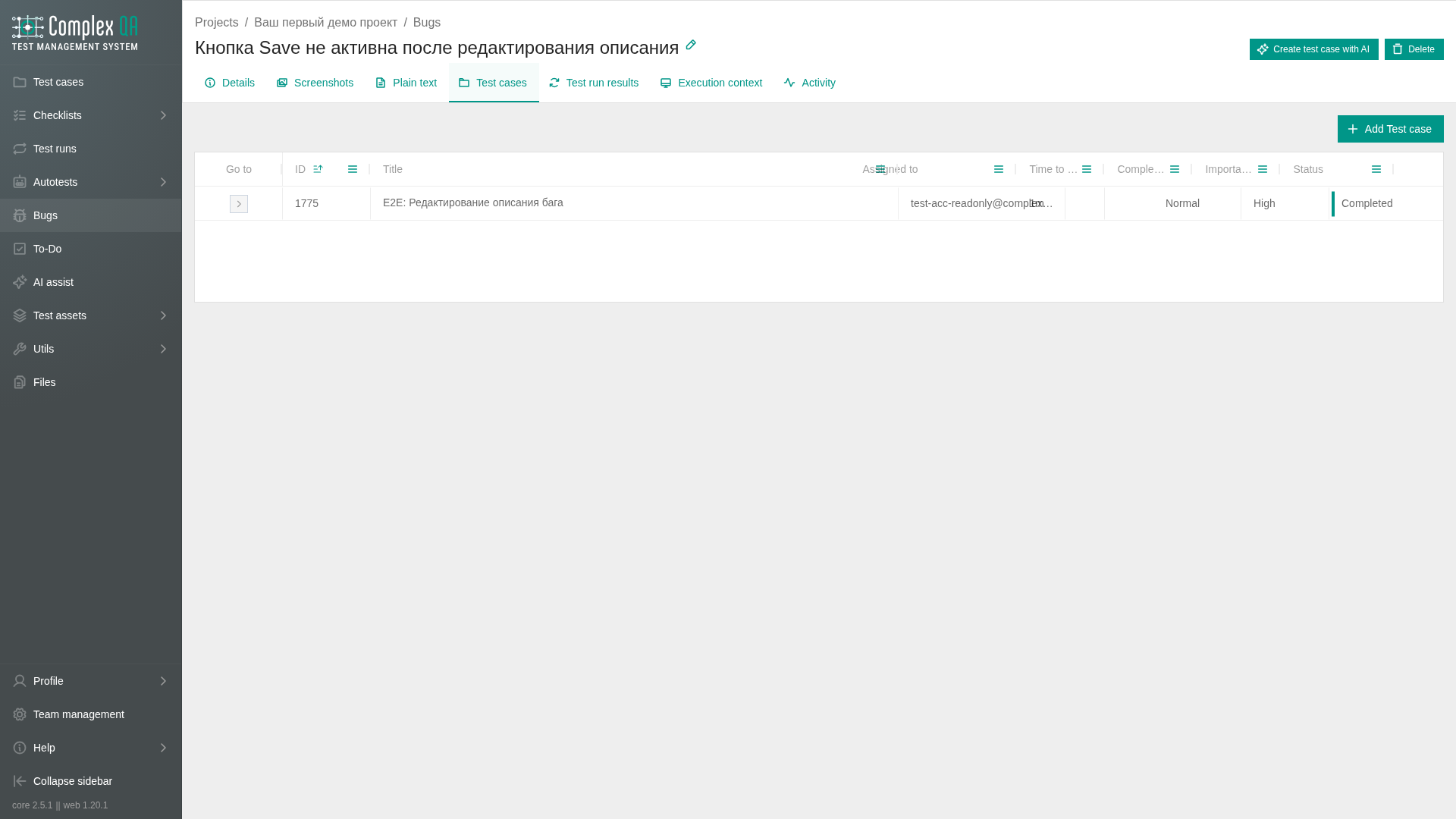
Steps: from the bug
- Open the bug details.
- Open the Test cases tab (or Test run results / Execution context for those targets).
- Click Add.
- Select the target in the dialog.
- Confirm.
Steps: from the test case
- Open the test case details.
- Open the Bugs tab.
- Click Add.
- Select the bug.
- Confirm.
Steps: remove a link
Use the row context menu on the relation table and choose the unlink action.
Limits and notes
Did this page help?