

Element reference
Execution context
Execution context
An execution context describes the environment used for testing: browser, operating system, address, product build, and related snapshot axes.
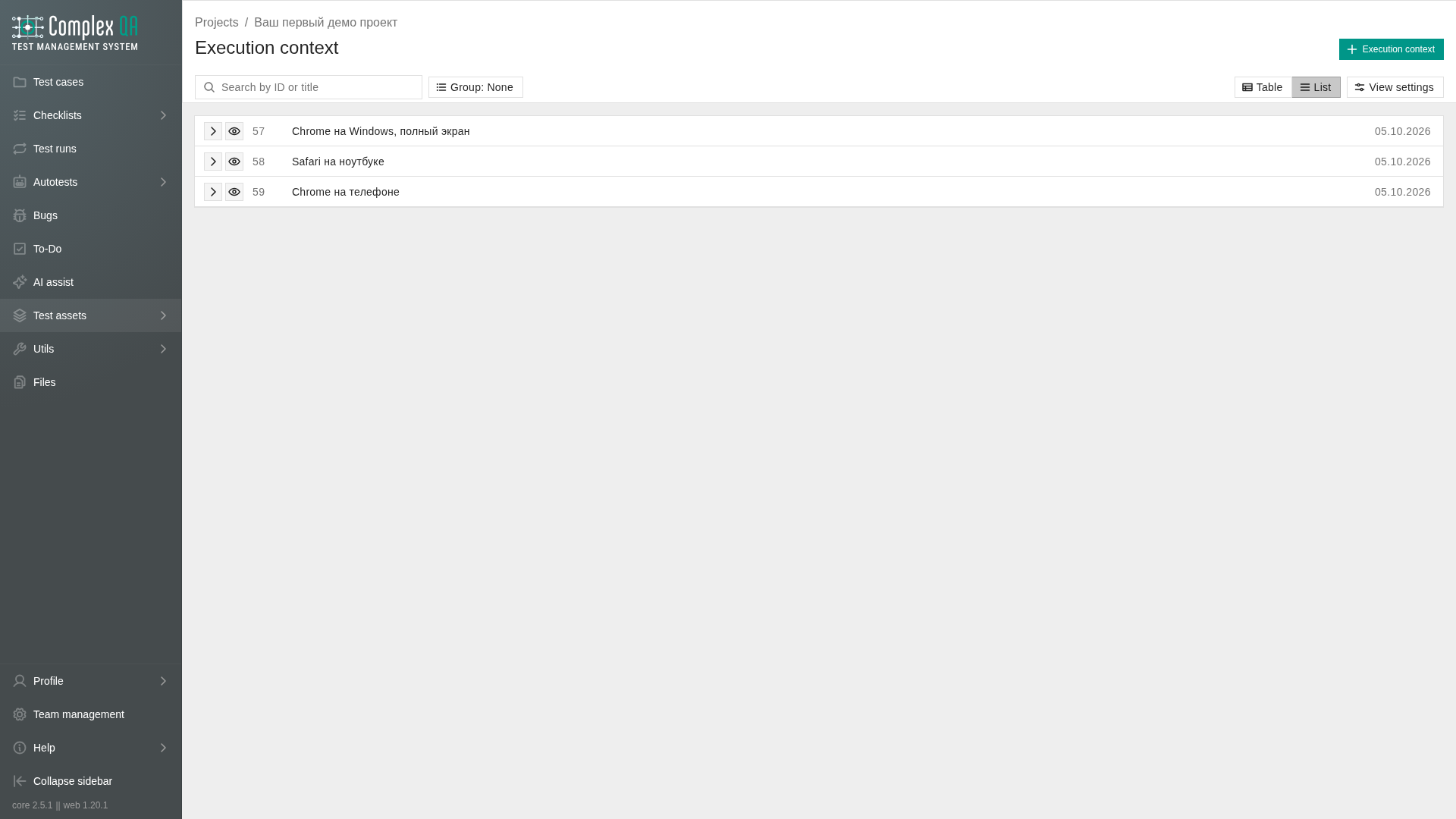
On Table, checked rows show selected table rows.
Two layers
Catalogs are shared dimensions: browser, OS, screen resolution, device, User-Agent, locale, deployment target. Some values ship with the service; a project can add its own entries.
An execution context snapshot records what applied at a moment: chosen catalog entries, host, base URL, protocol, and build version. History should not drift if a catalog label is renamed later.
Environment axes
| Axis | Snapshot field | Examples |
|---|---|---|
| Browser | browser_context_id | Chrome, Firefox, Safari |
| OS | os_context_id | Windows, macOS, Linux, Android, iOS |
| Screen resolution | screen_resolution_context_id | 1920x1080, 390x844 |
| Device | device_context_id | Desktop, iPhone 15, Pixel 9 |
| User-Agent | user_agent_context_id | Desktop Chrome, iPhone 15 |
| Locale | locale_context_id | ru-RU, en-US |
| Deployment target | deployment_target_context_id | staging, production, preview |
Relations
| Related element | How it connects |
|---|---|
| Project | Snapshot belongs to a project |
| Bug | Optional link on the bug Execution context tab |
| Autotest run | Required when you create a run |
Device and User-Agent
These are different axes.
| Axis | Audience | On an autotest run |
|---|---|---|
| Device | People: how to describe the environment on the card | The worker ignores it. A Playwright phone profile is not turned on from Device alone |
| User-Agent | Worker: HTTP header and mobile / touch signals | Applied. Empty User-Agent means the normal header of the chosen browser engine |
| Screen resolution | Window size | Applied together with User-Agent |
Chromium plus User-Agent “iPhone 15” is Chromium with an iPhone header, not Safari on a phone. For a phone-like run, set User-Agent (and screen if you need a specific size). Device may stay empty.
Required fields for autotest runs
Autotest run creation needs an execution context snapshot in the project (with protocol and starting domain). Without a selected snapshot the run does not start.
Individual axes inside the snapshot may be empty. The worker then applies defaults:
| Axis in the snapshot | If empty on an autotest run |
|---|---|
| Browser | Chromium |
| Screen resolution | Size from the selected User-Agent when that User-Agent has a window size; otherwise 1920x1080 |
| User-Agent | Normal header of the chosen engine |
| Device | Unused by the worker |
| OS, locale, deployment target | Do not drive the worker browser session |
Supported browser keys for the worker (current delivery): chromium, firefox, safari (Playwright WebKit, not Apple Safari on macOS/iOS), webkit, headless_chrome. The create-run Help tab also lists the current set.
Rules
- Choosing a User-Agent can offer to write screen resolution and Device. Choosing a Device that has exactly one linked User-Agent can offer User-Agent and screen.
- On an autotest run, Device is ignored by the worker; User-Agent is applied (with screen resolution). Device still describes the environment for people.
Did this page help?