

Checklists
Checklists
A checklist is a list of items you mark while checking a product. Checklists belong to a project and sit in folders.
Place in the product
In the project menu, Checklists has two entries:
| Entry | What it shows |
|---|---|
| Checklists | Checklists in the selected folder |
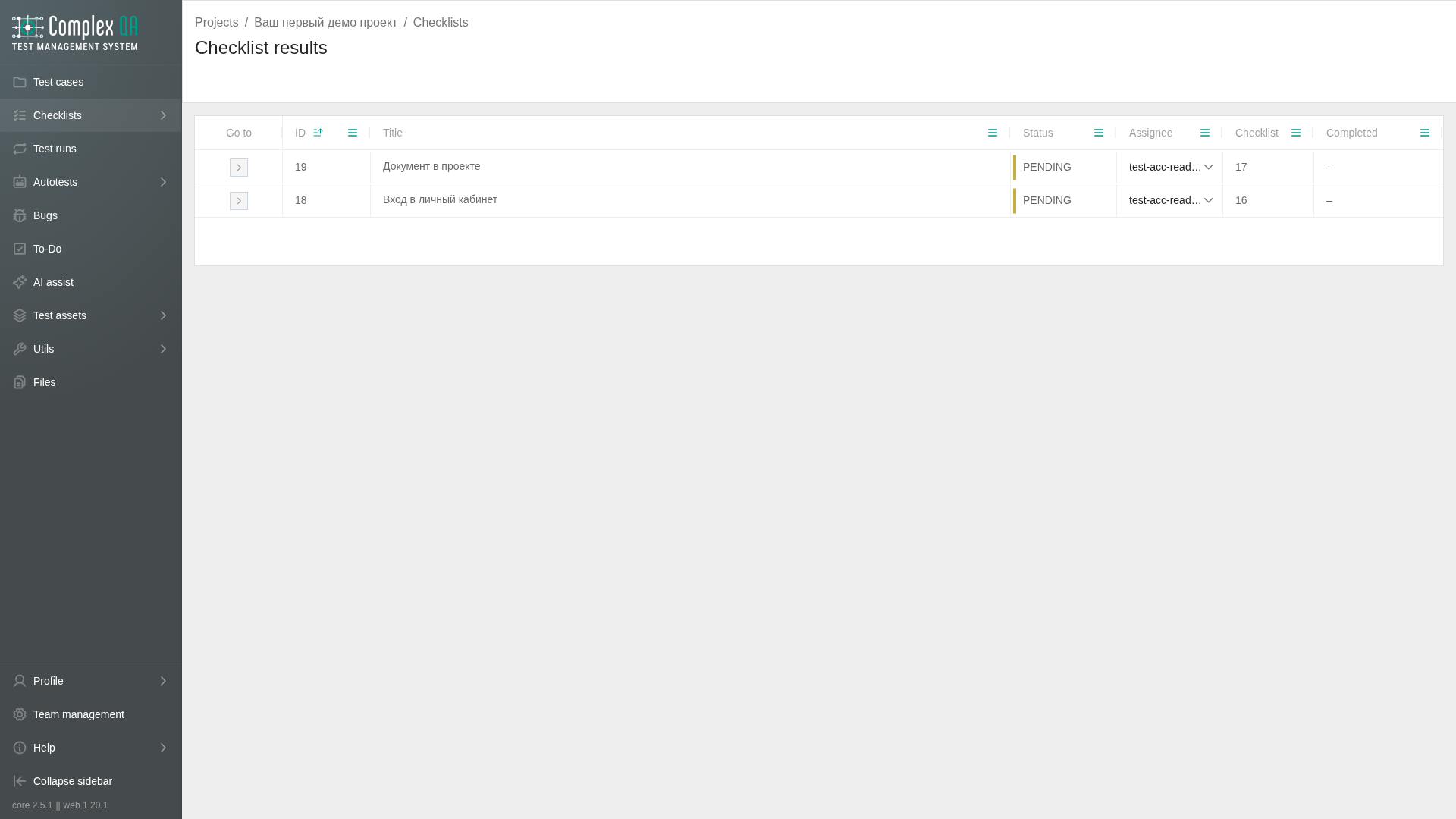
| Checklist results | Records of checklist passes |
The checklist list can be a table or a list. On Table, checked rows show selected table rows. A checklist has a title, a status, an assignee, and items.
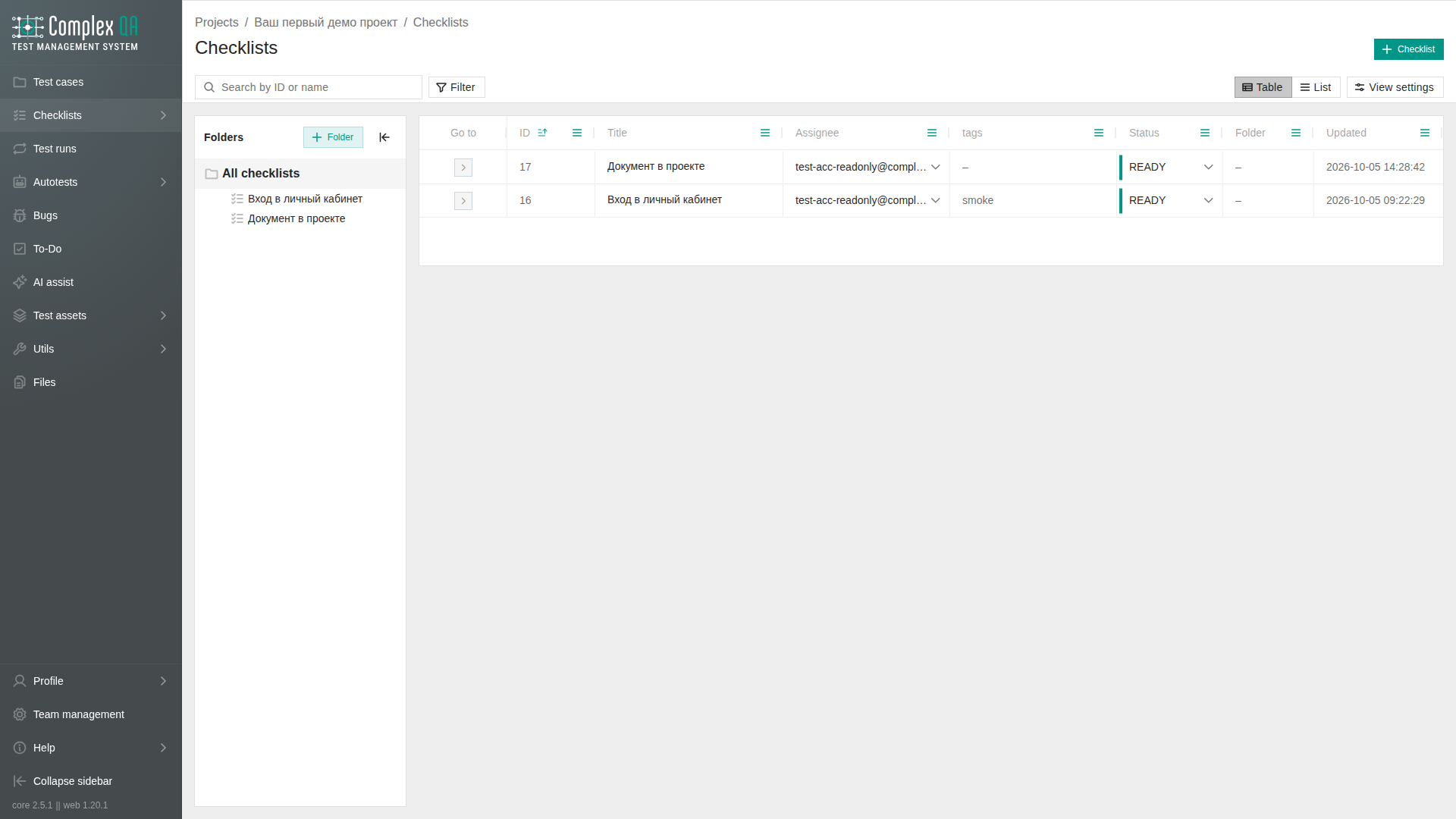
Status
| Value | Meaning |
|---|---|
DRAFT | Still being written |
READY | Ready to pass |
ARCHIVED | No longer in active use |
Page
Tabs on the checklist page: Details, Document, Runs, Activity.
Details is two columns. The left column holds the description and the items. The right column holds status, folder, assignee, dates, tags, and the last result when a pass already exists. Drag the left edge of the right column to change its width. The width is stored in this browser.
On Details, an item is saved when the cursor leaves the field. The add-item button does not collapse the items block. While an item is added, deleted, or reordered, a loading indicator covers the list. The row disappears after the server confirms the delete.
Document is a sheet of the same checklist. Status, assignee, tags, and description can be changed on the sheet. The description opens from the pencil, then Save or Cancel. The folder is shown by name and is not edited on the sheet. If there is no name, the folder number is not shown instead. An item can be moved up, moved down, edited, and deleted. While editing, the text is saved with Save. Cancel and Esc leave without saving. Delete item removes the item. The sheet footer shows the folder, the created date, the updated date, and the result count when that count is known.
Runs is the table of passes for this checklist. The columns and the link to a result are the same as on Checklist results.
Activity is the event log for this checklist only. The entries are read-only. Project activity.
A checklist result opens from the runs table. The last breadcrumb on that page goes to Checklist results.
What stays separate
Deleting a folder removes the nested folders and the checklists inside them. A checklist result stays in Checklist results when its checklist is deleted.
Did this page help?