

Utils
Utils
Utils are project helpers outside the main test-management catalog. Each util starts a run, stores reviewable artifacts in team file storage, and shows status and results on its own details page.
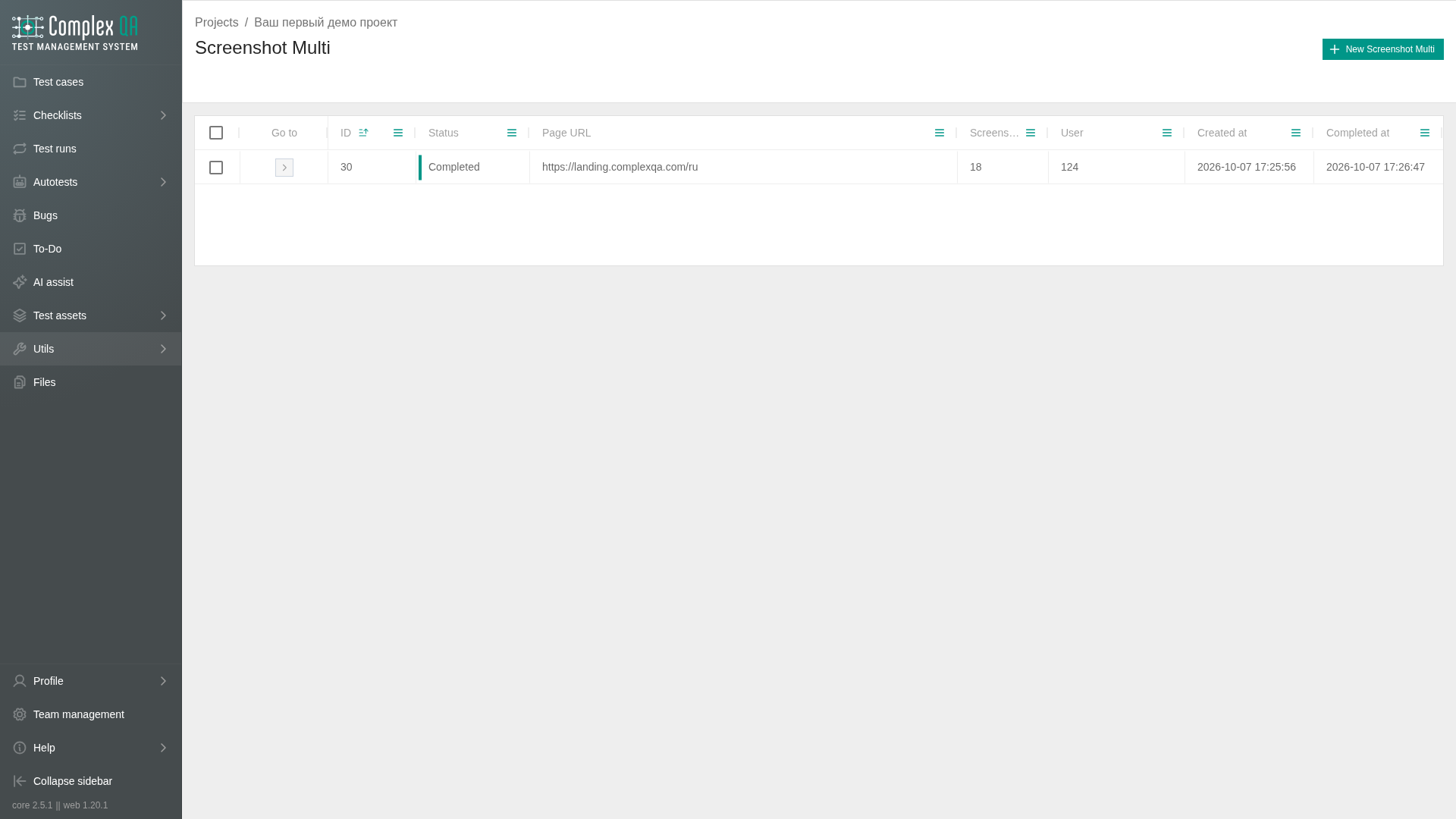
Use this section when you need screenshots across browsers and resolutions, a remote check of a verified team domain page, or a browse view of stored files. Utils do not replace test cases, test runs, or autotests.
Boundaries
- Runs are scoped to a project. Storage quota and monthly util limits belong to the team.
- URL inspect requires a verified team domain. Domains are managed under Members, roles, and domains.
- Preview links to files expire. Open the details page again or refresh to request a new temporary link.
- Read-only team members cannot start util runs that create new executions.
In this section
| Page | Purpose |
|---|---|
| Screenshot Multi | Capture screenshots across a browser × resolution matrix |
| URL inspect | Check a verified team domain page from ComplexQA servers |
| Files | Browse and delete files in team storage by category |
What to read next
- Capture a matrix of screenshots: Screenshot Multi.
- Check reachability and headers for a domain page: URL inspect.
- Find or delete stored artifacts: Files.
Did this page help?